
CMS Integration Services for Connected Business Systems
Bring your website, CRM, eCommerce platform, ERP, marketing tools and third-party applications into one connected digital ecosystem. WebProBuilder delivers secure, scalable CMS integrations that reduce manual work, improve data accuracy and support long-term business growth.
- API Integration
- CRM & ERP Connections
- Headless CMS
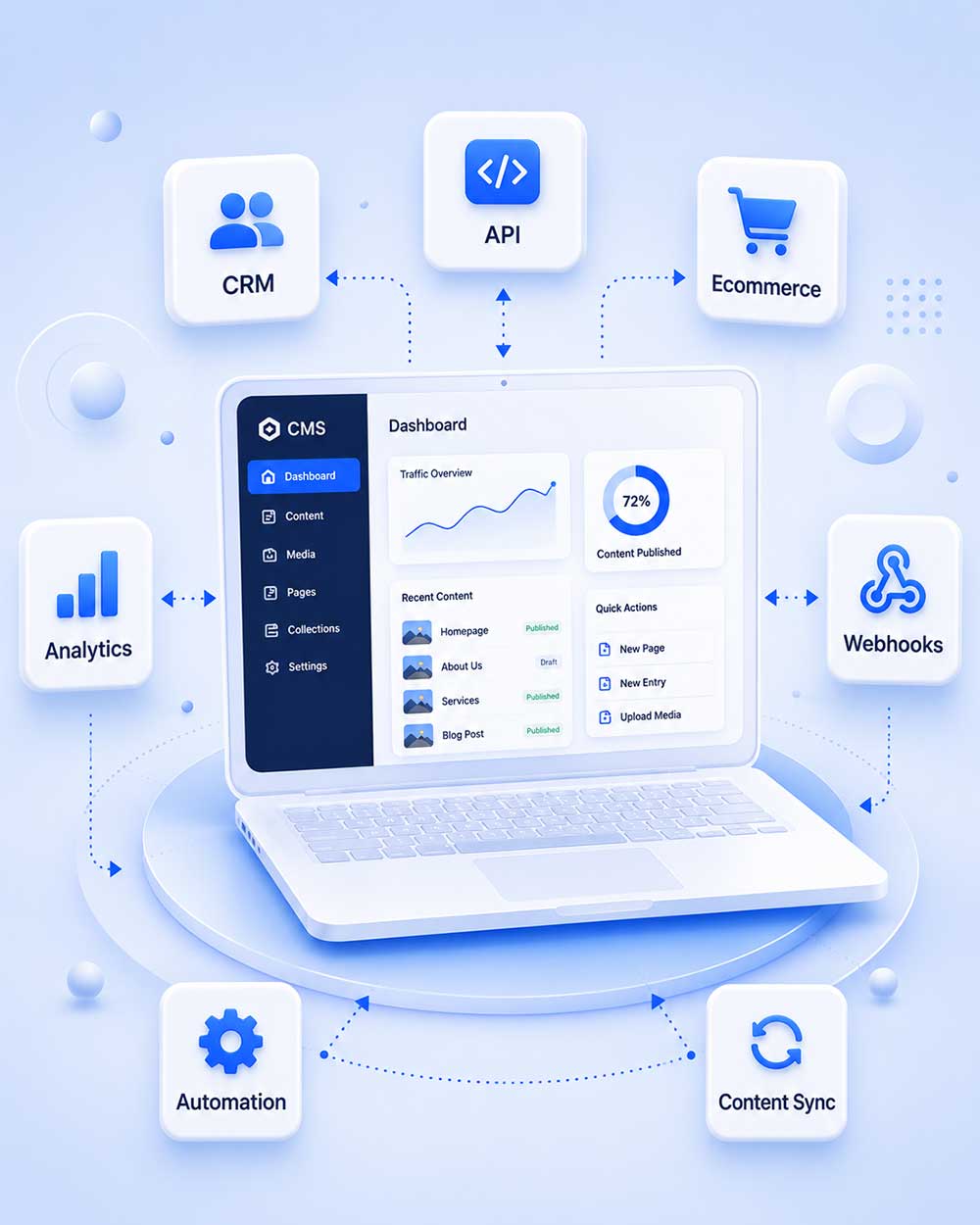
Connected CMS Solutions
Flexible CMS connected to your business tools.
Built for Smarter Workflows
Connect your CMS with APIs, CRM, eCommerce, analytics and automation for faster, more efficient content operations.
A Connected CMS Built Around the Way Your Business Works
Your content management system should do more than publish pages. It should exchange information with the tools your team already uses, automate repetitive processes and give customers a consistent experience across every touchpoint.
Our CMS integration specialists plan, build and test reliable connections between your website and external platforms. Whether you need a straightforward CRM connection, complex two-way data synchronisation or a headless CMS architecture, we create an integration that is maintainable, documented and ready to scale.
- Connect content, customer, order and operational data securely
- Reduce duplicate entry, manual updates and avoidable errors
- Protect website speed, usability and search visibility
- Build with documented APIs, webhooks and scalable workflows
- Support WordPress and other leading CMS platforms
Integration Problems That Slow Teams and Limit Growth
Disconnected systems create extra work, inconsistent data and fragile customer experiences. We identify the root cause and replace unreliable workarounds with dependable integrations.
Disconnected Business Tools
Your CMS, CRM, store, email platform and internal systems operate separately, creating data silos.
Manual Data Entry
Teams repeatedly copy customer, product, order or lead information between platforms.
Unreliable Plugins or APIs
Existing connectors fail silently, conflict after updates or cannot support your required workflow.
Slow and Fragile Workflows
Legacy processes delay content publishing, customer communication and operational decisions.
Reliable Connections for Content, Commerce and Operations
From a single API connection to a multi-system integration architecture, each solution is planned around your data, security requirements, internal workflow and growth goals.
Third-Party API Integration
Connect your CMS with external applications through REST APIs, GraphQL, webhooks or custom endpoints. We support one-way and two-way data exchange with validation, logging and error handling.
CRM and Marketing Integration
Send website enquiries, customer activity and form data directly to platforms such as HubSpot, Salesforce, Zoho, Mailchimp or your preferred marketing system.
eCommerce and Payment Integration
Integrate product, inventory, order, customer and payment workflows across WooCommerce, Shopify, Stripe, payment gateways and fulfilment tools.
ERP and Inventory Integration
Synchronise stock, pricing, orders, customer details and operational records between your CMS, inventory platform, ERP or internal database.
Headless CMS Integration
Use your CMS as a flexible content hub for websites, apps and digital products with a modern headless architecture powered by APIs and structured content.
Automation, Middleware and Webhooks
Create dependable automated workflows using custom middleware, scheduled jobs, webhooks, n8n, Make or Zapier, with monitoring and recovery paths for failed events.
Integration Work Backed by Practical Web Expertise
We combine CMS knowledge, custom development and business-process understanding to build solutions that remain stable after launch.
6+
Years of web and CMS experience
250+
Projects and client engagements
150 +
Happy Clients
100 %
Commitment to quality-focused delivery
A Clear Route From Integration Audit to Reliable Deployment
Every integration follows a structured process that reduces risk, protects data quality and makes future maintenance easier.
Discovery and Audit
We review your CMS, connected systems, data sources, users and desired workflow.
Architecture and Mapping
We define endpoints, field mapping, triggers, permissions and integration logic.
Secure Development
We build the connection with authentication, validation, logging and error handling.
Testing and Validation
We test real workflows, edge cases, data accuracy, performance and failure recovery.
Deployment and Training
We launch safely, document the integration and explain how your team should use it.
Monitoring and Support
We help maintain compatibility, resolve errors and extend the workflow as you grow.
Built With the Right Tools and a Maintainable Technical Foundation
We select the integration method based on reliability, security, speed, platform limitations and long-term ownership—not simply on the fastest short-term workaround.
- Authentication and permission-aware data access
- Structured logging and error visibility
- Rate-limit handling, retries and duplicate prevention
- Performance-conscious data synchronisation
- Clear technical documentation for future maintenance
CMS Platforms
WordPress
WooCommerce
Drupal
Joomla
Contentful
Strapi
Sanity
Webflow CMS
Business and Automation Tools
HubSpot
Salesforce
Zoho
Stripe
Mailchimp
n8n
Make
Zapier
Corporate and Service Websites
Reliable websites for business growth.
eCommerce and Retail Operations
Streamlined sales and retail management.
SaaS and Digital Platforms
Scalable platforms for digital services.
Membership and Subscription Sites
Secure access and recurring memberships.
Education and Learning Platforms
Structured learning and student engagement.
Publishing and Content Networks
Efficient content publishing and distribution.
Multi-Location Businesses
Consistent management across multiple locations.
Custom Internal Business Portals
Centralised tools for internal operations.
CMS Integration Designed Around Your Real Workflow
The right integration depends on how your organisation creates content, captures leads, sells, communicates and manages operations. We tailor the solution to the process, not the other way around. This creates smoother workflows, reduces manual work and keeps connected systems working reliably.
- Workflow-specific CMS integration strategy
- Reliable data flow between connected systems
Trusted by Businesses That Care About Quality
Businesses trust WebProBuilder for clean design, clear communication, reliable development, and websites that support real growth.

Thomas Keller
- Chairman

Oliver Grant
- Business Consultant

Michael Donovan
- Managing Director

Lucas Reinhardt
- Founder

Daniel Whitmore
- CEO
Questions About CMS Integration Services
These answers cover the most common technical and planning questions businesses ask before starting a CMS integration project.
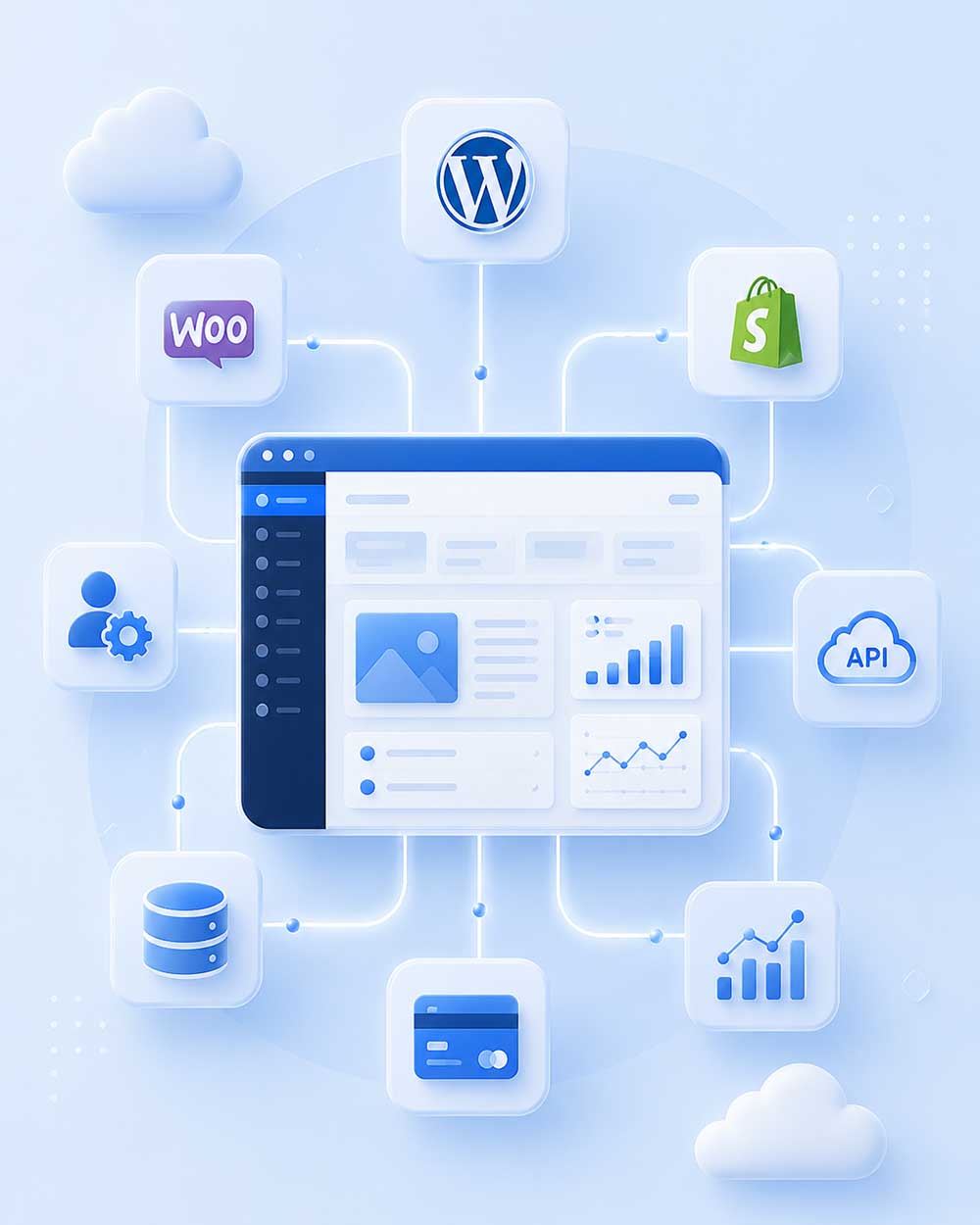
CMS Integration
Flexible & scalable
Connect your systems without complexity.
Build a flexible CMS environment that connects your website, business tools and content workflows.
What is CMS integration?
CMS integration connects your content management system with external software, databases or services so information and actions can move between them automatically. Common examples include connecting a website to a CRM, ERP, eCommerce platform, payment gateway, email system or mobile app.
Which CMS platforms can you integrate?
We work with WordPress, WooCommerce and other popular CMS platforms, including Drupal, Joomla, Contentful, Strapi, Sanity and Webflow CMS. We can also assess custom or legacy content systems.
Can you integrate our existing website without rebuilding it?
In many cases, yes. We first audit the current website, plugins, theme, data structure and hosting environment. If the existing foundation is suitable, we can add the integration without a complete redesign or rebuild.
How long does a CMS integration project take?
Timing depends on the number of systems, API quality, data complexity, security requirements and whether the connection is one-way or two-way. A focused integration may take a few weeks, while a multi-system workflow requires a longer discovery, development and testing cycle.
Will CMS integration affect website speed or SEO?
A poorly designed integration can slow a website, but a properly planned solution separates heavy processing, uses caching or queued tasks where appropriate, and avoids unnecessary front-end requests. We also preserve important page structure, URLs and content signals during implementation.
Can you create two-way data synchronisation?
Yes. We can design two-way synchronisation where supported by the connected platforms. The solution includes rules for source-of-truth ownership, conflict handling, validation, duplicate prevention and failed-event recovery.
Do you provide support after the integration goes live?
Yes. Ongoing support can include monitoring, compatibility checks, troubleshooting, API update adjustments, workflow improvements and additional integrations as your systems evolve.
What do you need to provide an accurate quote?
We need the CMS name, connected platform names, required data flow, user actions, current technical documentation and any security or compliance requirements. Access to API documentation or a sandbox account also helps us estimate accurately.
Need Your CMS to Work Better With the Rest of Your Business?
Tell us which platforms you use, what data needs to move and where your current workflow is failing. We will help you define a practical, secure and scalable integration approach.